YCMOU Degree Certificate 2026-27: How to Download from DigiLocker & Get Hard Copy

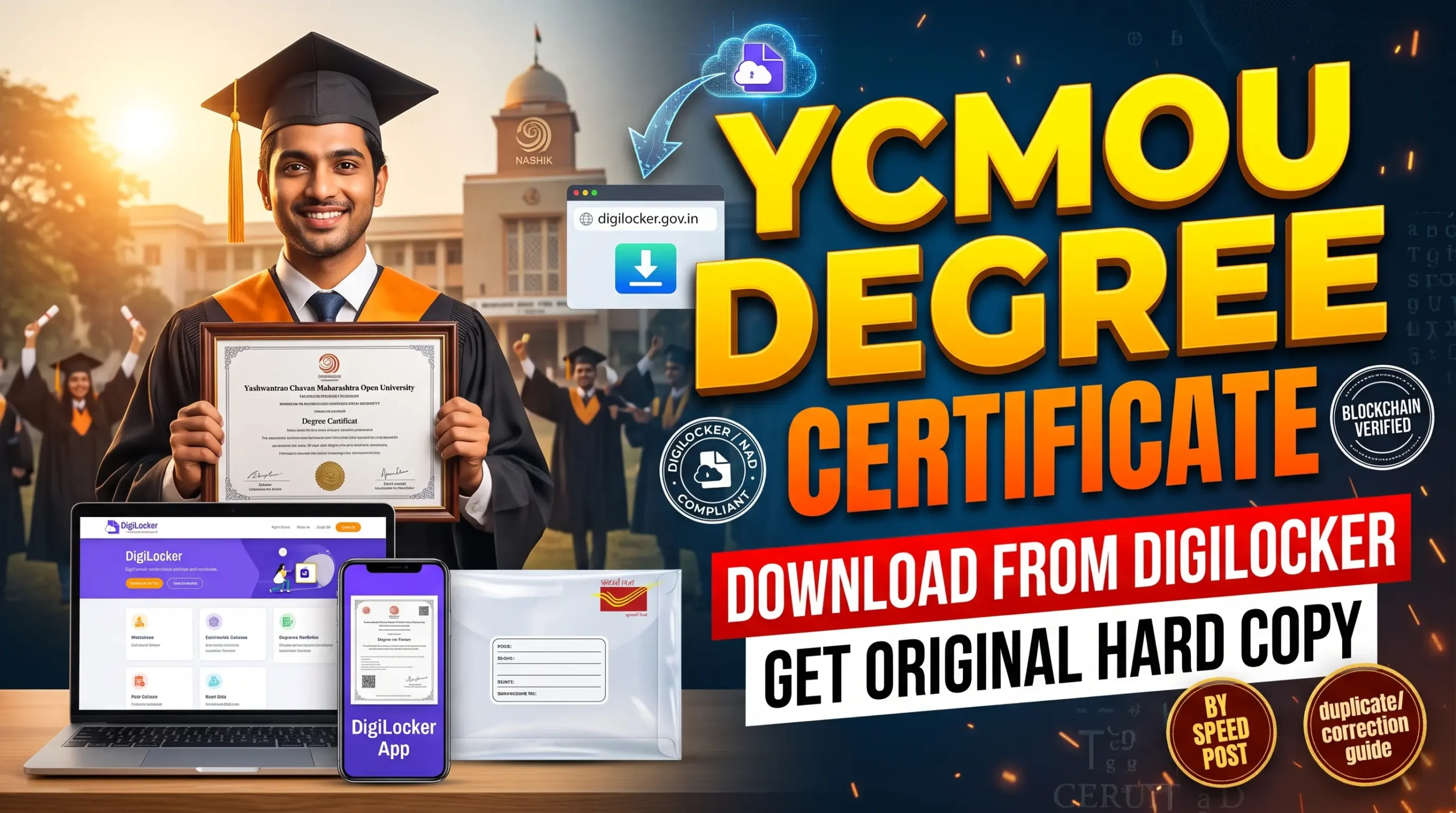
Passed your final-year exams and wondering where your degree is? Here is the short answer for YCMOU degree certificate download:
- Fastest route: your digital degree on DigiLocker (NAD), which is legally valid.
- Physical copy: the YCMOU convocation certificate, posted to your registered address after the Annual Convocation.
- Employers: can check authenticity through YCMOU online verification, with no postal wait.
This guide covers all three, plus fixes for common errors and the duplicate certificate process.
Provisional vs. Digital vs. Physical Convocation Degree
After your final-year exams you first receive your Final Marksheet and Provisional Passing Certificate through your Study Centre (LSC) or the online portal. The official Degree Certificate is formally awarded only after YCMOU’s Annual Convocation ceremony.
| Feature | Provisional Certificate | Digital Degree (DigiLocker) | Physical Convocation Degree |
|---|---|---|---|
| When you get it | Right after final results | After YCMOU uploads it to NAD | 30–60 days after Annual Convocation |
| How you get it | Study Centre (LSC) / online portal | DigiLocker app or website | Indian Speed Post to your registered address |
| Format | Printed / PDF | Digitally signed PDF | Printed, official degree |
| Legal validity | Interim proof of passing | Valid under the Indian IT Act, 2000 | Original, formal degree |
| Best for | Immediate job applications | Quick sharing, verification, online forms | Records, ceremonies, attestation needs |
Key point: a provisional certificate is not your final degree. Use it as interim proof until the degree is issued.
Step-by-Step: How to Download YCMOU Degree Certificate from DigiLocker
Under UGC and National Academic Depository (NAD) rules, YCMOU uploads digital degree certificates and marksheets directly to DigiLocker (digilocker.gov.in). This is the quickest way to get your YCMOU DigiLocker degree.
Keep these ready:
- Aadhaar-linked mobile number
- APAAR / ABC ID (linked to your DigiLocker account)
- 16-digit PRN Number
- Roll/Seat Number
- Year of Passing
Steps:
- Log in to the DigiLocker app or website (
digilocker.gov.in) using your Aadhaar-linked mobile number. - Ensure your APAAR / ABC ID is linked to your account.
- Go to “Search Documents.”
- Search for “Yashwantrao Chavan Maharashtra Open University.”
- Select “Degree / Diploma Certificate.”
- Enter your 16-digit PRN Number, Roll/Seat Number, and Year of Passing.
- Click “Get Document” to download the digitally signed PDF.
Save the PDF in your DigiLocker “Issued Documents” section and also keep a backup on your device.
How to Fix “Record Not Found” on DigiLocker (Troubleshooting Tips)
If your YCMOU degree certificate does not show up, work through this checklist:
- Re-check your PRN. It must be exactly 16 digits, with no spaces or dashes.
- Verify Roll/Seat Number and Year of Passing. Use the exact values printed on your marksheet.
- Link your APAAR / ABC ID. An unlinked ID can block the fetch.
- Select the right document type. Choose “Degree / Diploma Certificate,” not “Marksheet.”
- Confirm the degree has been issued. If the convocation has not happened or the upload is pending, nothing will appear yet.
- Check spelling and date mismatches. Your DigiLocker (Aadhaar) name and your university record may differ.
- Try again later or switch between app and website. Temporary server issues are common.
Still stuck? Contact your Study Centre (LSC) or the YCMOU Examination Department with your PRN, Roll/Seat Number, and a screenshot of the error.
When & How Will I Get My Original Printed Degree Certificate by Post?
For regular final-year graduates, the convocation fee is typically bundled with the final semester exam fee. You usually don’t pay separately.
What happens next:
- The printed degree is dispatched to your registered residential address via Indian Speed Post.
- If delivery fails, it is routed to your Regional/Study Centre.
- Expect delivery within 30 to 60 days after the Annual Convocation.
Older batches or separate applicants: check your convocation dispatch status or apply through ycmou.digitaluniversity.ac or the official YCMOU Examination portal (ycmou.ac.in).
Tip: make sure your address and mobile number are up to date in your student record before the convocation. A wrong address is the most common reason for returned parcels.
YCMOU Online Degree Verification Process (For Jobs & Higher Studies)
YCMOU issues modern blockchain-secured certificates and QR codes. Employers and institutions can verify the authenticity of a YCMOU Marksheet and Degree Certificate through the official YCMOU verification portal, without waiting for manual postal verification.
For employers and institutions:
- Open the official YCMOU verification portal (start from
ycmou.ac.in). - Scan the QR code on the certificate or enter the certificate details.
- Confirm that the displayed record matches the document.
For students:
- Share the digitally signed DigiLocker PDF, not a photo or scan, so the QR code and signature stay intact.
- Mention in your application that the certificate is verifiable online.
This is the fastest route for job offers, background checks, and admissions abroad or in India.
How to Apply for a Duplicate YCMOU Degree Certificate
If your original is lost or damaged, apply for a duplicate:
- Apply online through the Student e-Suvidha portal (
ycmou.digitaluniversity.ac). - Pay the prescribed duplicate certificate fee online.
- Prepare your documents:
- Copy of your old marksheet or PRN details
- Notarized Affidavit on a ₹100 Non-Judicial Stamp Paper
- Submit the documents to:
Controller of Examinations, YCMOU
Dnyangangotri, Near Gangapur Dam,
Nashik – 422222
Pro tip: send by a trackable courier and keep photocopies of everything.
Frequently Asked Questions (FAQs)
1. Is the YCMOU DigiLocker degree certificate valid for government jobs and passport verification?
Yes. Digital degrees uploaded through NAD are legally valid under the Indian IT Act, 2000, and carry a digital signature. Most government recruiters and verification agencies accept DigiLocker documents. Some departments may still ask for the physical copy or attestation, so check the notification of your specific job or application.
2. Do I need to visit the YCMOU Nashik headquarters to collect my degree certificate?
No. Regular graduates get the printed certificate by Indian Speed Post at their registered address, or through their Regional/Study Centre if delivery fails. You can also download the digital copy from DigiLocker. Visiting Nashik is not required.
3. Why is my YCMOU degree certificate not showing in DigiLocker?
Usually because the degree hasn’t been issued or uploaded yet, or because your PRN, Roll/Seat Number, or Year of Passing doesn’t match the record. An unlinked APAAR / ABC ID can also cause this. See the troubleshooting section above, then contact your Study Centre or the Examination Department if it persists.
4. How long after final exams does YCMOU send the original convocation certificate?
The degree is awarded after the Annual Convocation, not immediately after exams. Once the convocation is held, the printed certificate is typically dispatched within 30 to 60 days. Until then, use your Final Marksheet and Provisional Passing Certificate.
5. How can I correct a spelling mistake in my name on the YCMOU degree certificate?
Contact the YCMOU Examination Department through your Study Centre or the official portal. Expect to submit an application with supporting ID proof (such as Aadhaar or school records) so the university can correct its records. Requirements and fees can change, so confirm the current procedure with YCMOU. Report the error before the degree is printed if you can, because corrections after dispatch take longer.
Quick recap: for the YCMOU degree certificate download, use DigiLocker. Expect the YCMOU convocation certificate by post 30–60 days after the Annual Convocation. For employers, YCMOU online verification confirms authenticity in minutes.
A few notes for publishing:
- Verification portal link: your brief didn’t give a specific URL, so I pointed to
ycmou.ac.in. Swap in the exact verification page link before publishing. - Name correction FAQ: your brief had no facts for this, so I kept the answer general. Check the current YCMOU procedure and fees and add them.
- Fees: I left out fee amounts since they change. Add them if you’ve confirmed the current figures.