YCMOU Result 2026: How to Check Provisional Results and Report an Error

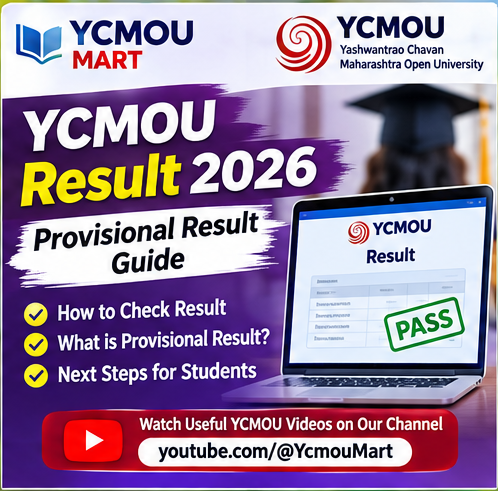
YCMOU provides an online provisional-result route through its official website. Students should check results using the university’s own Examination Result page and carefully verify the displayed information before relying on it for further academic or administrative work.
Where to check the YCMOU result
Open the university’s Examination Result page and use the “Online Provisional Result” link shown there. The university labels the online result as provisional. Always make sure the result session and programme you select match your examination.
Keep these details ready
Before opening the result service, keep your PRN or other required examination identifier and seat number available. Enter details only on the official result portal. Avoid third-party pages that ask for passwords, OTPs or unnecessary personal information.
Why the result is called provisional
YCMOU’s result page specifically describes the online result as provisional. This means students should use the university’s stated process if they have a concern about the result rather than assuming that a screen display alone resolves every academic query. Keep a copy of the displayed result for your records.
How to report a result discrepancy
The university asks students who have a result-related doubt to send a clear email containing the information needed to identify the examination record. Its published instructions include:
- Full name.
- Permanent Registration Number (P.R.No.).
- Seat number.
- Examination-centre name and centre code.
- Programme name and programme code.
- Subject name and subject code.
- A short, specific explanation of the issue.
Use the contact email displayed on the official YCMOU Examination Result page. Recheck the address on the university page before sending, because contact details can be updated.
Before you submit a query
- Check that you selected the correct examination session.
- Compare the programme and subject codes with your own records.
- Describe one issue per email and attach relevant evidence if appropriate.
- Keep the sent email and any acknowledgement for follow-up.
For other examination services, see YCMOU’s Examination Information page. For portal-related student tasks, our OASIS login guide may also help.
Note: This article explains the official result-checking route and the discrepancy details published by YCMOU. It does not announce a new result date. Follow the university website for session-specific declarations.
Watch YCMOU updates and video guides
For more YCMOU student updates, exam guidance and video explainers, visit the YCMOU MART YouTube channel. Subscribe to follow new videos and guidance.

One thought on “YCMOU Result 2026: How to Check Provisional Results and Report an Error”