How to Get Your YCMOU Migration Certificate Online (2026 Guide)

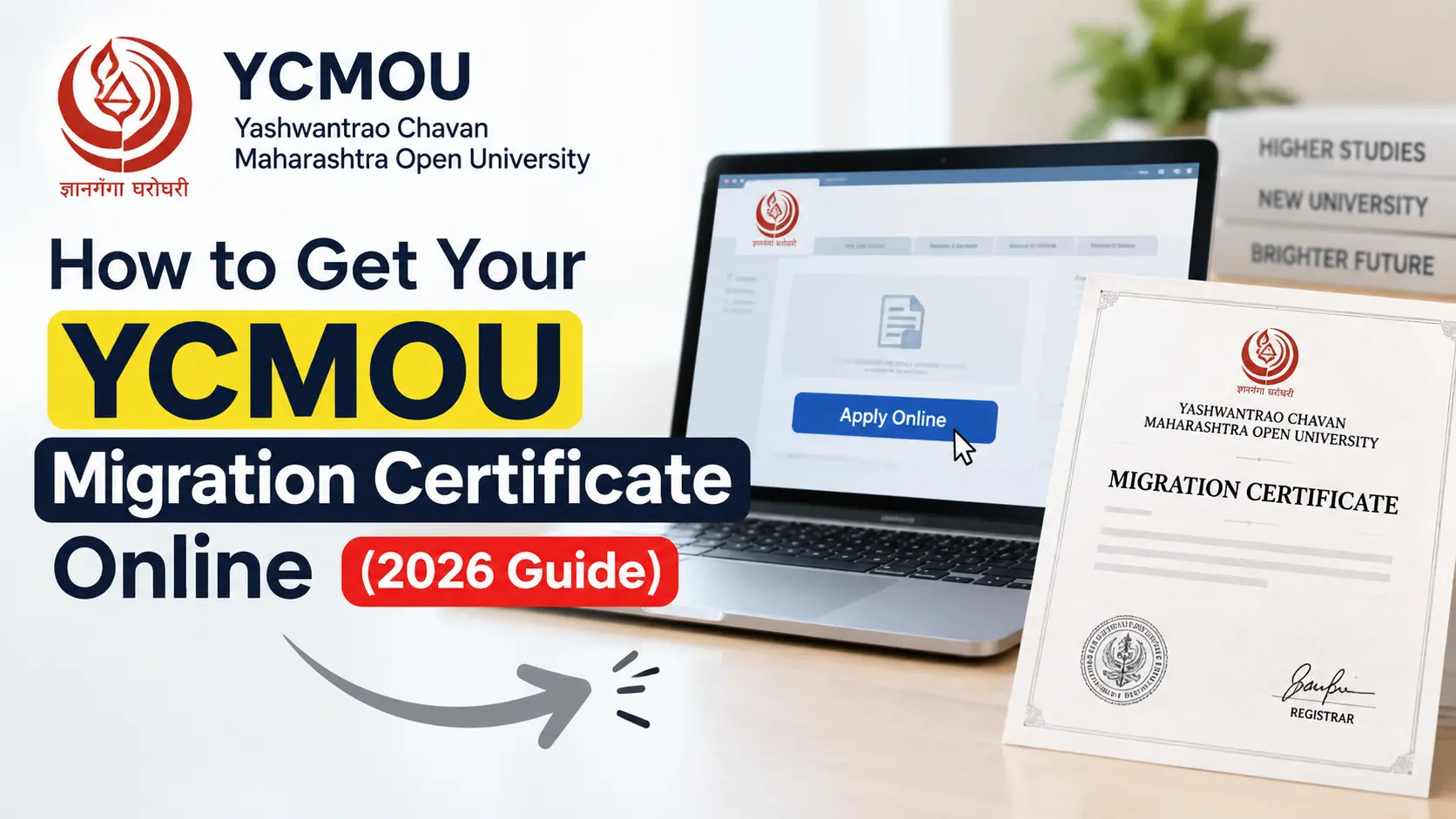
You can apply for your YCMOU migration certificate online through the university’s E-suvidha portal. Pay ₹400 per copy online, post your documents to Nashik, and receive the certificate by Speed Post at home in 8 to 15 days. You don’t need to visit the campus, and you don’t need a Demand Draft.
This guide covers the documents, fees, exact steps, the postal address, and the duplicate certificate process.
Who Needs a Migration Certificate?
A migration certificate is issued by Yashwantrao Chavan Maharashtra Open University (YCMOU) to confirm that you have completed your studies there and are moving to another university or institution.
You will typically need one if you are:
- Taking admission to a new university for a postgraduate or further course
- Switching institutions after completing a YCMOU programme
- Applying for higher education where the new institution asks for proof of migration or transfer
If you are unsure, check the admission checklist of the institution you are joining. Most will state clearly whether a migration certificate is mandatory.
Documents Required for YCMOU Migration
For a standard application, keep these three items ready:
- Online fee receipt: proof of your ₹400 payment
- Printout of the filled migration form: generated from the portal after you submit your details
- Xerox copy of your consolidated or latest mark sheet
Keep the originals safe. You only send photocopies and printouts.
Applying for a duplicate? You need additional documents, covered in the duplicate certificate section below.
YCMOU Migration Certificate Fees & Processing Time
| Detail | Information |
|---|---|
| Fee | ₹400 per copy |
| Payment mode | Online payment / QR code only |
| Demand Draft | Not required |
| Processing and delivery time | 8 to 15 days |
| Delivery method | Indian Speed Post to your home address |
Some key points about YCMOU migration fees:
- The fee is charged per copy. If you need two certificates, pay for two.
- Demand Drafts are no longer required. Pay only through the online or QR code option on the portal.
- Keep the fee receipt safe. It must go into your postal envelope.
Delivery goes directly to your home address. You do not need to visit the Nashik campus.
Step-by-Step Online Application Process
Step 1: Visit the E-suvidha Portal
Go to ycmou.digitaluniversity.ac, the university’s E-suvidha portal for student services.
Step 2: Log In With Your PRN and Date of Birth
Use these login credentials:
- User ID: your PRN number
- Password: your Date of Birth
Enter your date of birth in the format the portal asks for. If login fails, re-check the format first.
Step 3: Open the Migration Certificate Option
Once logged in, find the migration certificate service under the student services or online applications section. Menu labels can change slightly, so look for the migration-related option.
Step 4: Fill in the Migration Form
Enter your details carefully. Match your name, PRN, and course details exactly with your mark sheet. Mismatches are a common cause of delays.
Step 5: Pay the ₹400 Fee Online
Pay ₹400 per copy using the online payment or QR code option. This is the only accepted payment method. No Demand Draft is needed.
After payment, download and save your fee receipt.
Step 6: Print the Form and Receipt
Take a printout of:
- Your filled migration form
- Your online fee receipt
Also make a xerox copy of your consolidated or latest mark sheet.
Step 7: Post Your Documents to the University
Send all three documents by post to the address in the next section. Use a trackable service such as Speed Post or registered post so you can confirm delivery.
Step 8: Wait for Your Certificate
Your certificate will arrive by Indian Speed Post at your home address within 8 to 15 days.
Where to Post the Hard Copy (Exact Nashik Address)
Send your documents to the following Nashik address:
Migration Cell
Examination Department
Yashwantrao Chavan Maharashtra Open University (YCMOU)
Dnyangangotri, Near Gangapur Dam
Nashik – 422222, Maharashtra
Tips before posting:
- Write the address exactly as shown, including “Migration Cell, Examination Department”.
- Mention your PRN number and mobile number on the envelope or a cover note.
- Include your complete home address with PIN code so the certificate reaches you without delay.
- Keep the postal receipt or tracking number until your certificate arrives.
How to Apply for a Duplicate Migration Certificate
If your original certificate is lost or damaged, you can apply for a duplicate. The process is the same as the standard one, but you need one additional document.
Send all of these:
- Online fee receipt
- Printout of the filled migration form
- Xerox copy of your consolidated or latest mark sheet
- An original affidavit on a ₹100 Non-Judicial Stamp Paper, signed before an Executive Magistrate
Important notes on the affidavit:
- It must be an original, not a photocopy.
- It must be on ₹100 Non-Judicial Stamp Paper.
- It must be signed before an Executive Magistrate.
Post everything to the Migration Cell, Examination Department at the Nashik address above.
Frequently Asked Questions (FAQs)
1. Can I get the migration certificate in person at the Nashik campus?
No. The current process is online application followed by delivery via Indian Speed Post directly to your home address. There is no need to travel to the Nashik campus. You only post your documents to the Migration Cell.
2. Do I still need to make a Demand Draft (DD)?
No. Demand Drafts are no longer required. Pay the ₹400 per copy fee only through the online payment or QR code option on the portal.
3. How long does it take to arrive?
Expect 8 to 15 days for the certificate to reach you by Indian Speed Post. Posting your documents promptly and filling the form accurately helps avoid delays.
Final tip: Double-check your PRN, name, and mark sheet details before you pay. Most delays come from small mismatches.
I can also turn this into a downloadable file, or add FAQ schema markup for better search visibility, if you’d like.