How to Download a Purchased YCMOU Solved Assignment PDF

If you have purchased a YCMOU solved assignment, the next step is to locate the digital file and confirm that it belongs to the course code you ordered. YCMOU MART’s published Shipping Policy describes electronic delivery for digital products. This guide explains what the policy confirms and what to do if the email or download link is missing.
What delivery method does YCMOU MART describe?
The current YCMOU MART Shipping Policy says digital products are delivered electronically by email or through a downloadable link after successful payment. It says delivery is typically instant but may take up to 24 hours in rare cases. This is the published policy; the exact delivery message and link can depend on the order.
Step-by-step checks after purchase
- Confirm that the order was successfully placed and that you used the correct email address.
- Check your inbox for the order or delivery email.
- If you do not see it, check Spam, Junk, Promotions and other filtered folders.
- Look for a downloadable link in the email and open it from a trusted device.
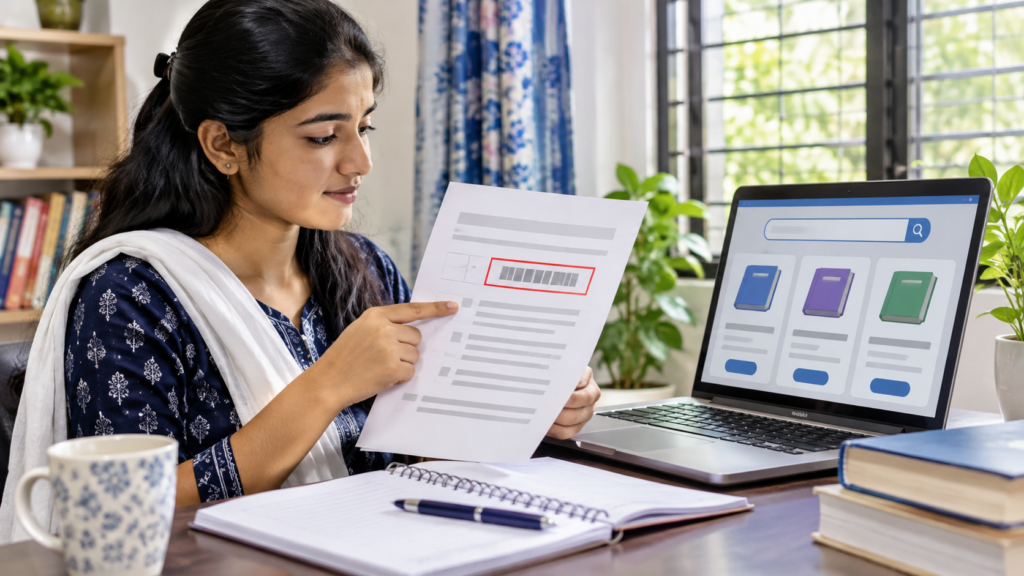
- After downloading, check the file name and course code against the product you ordered.
- Save a backup copy in a folder you can find again.
Open the PDF on your device
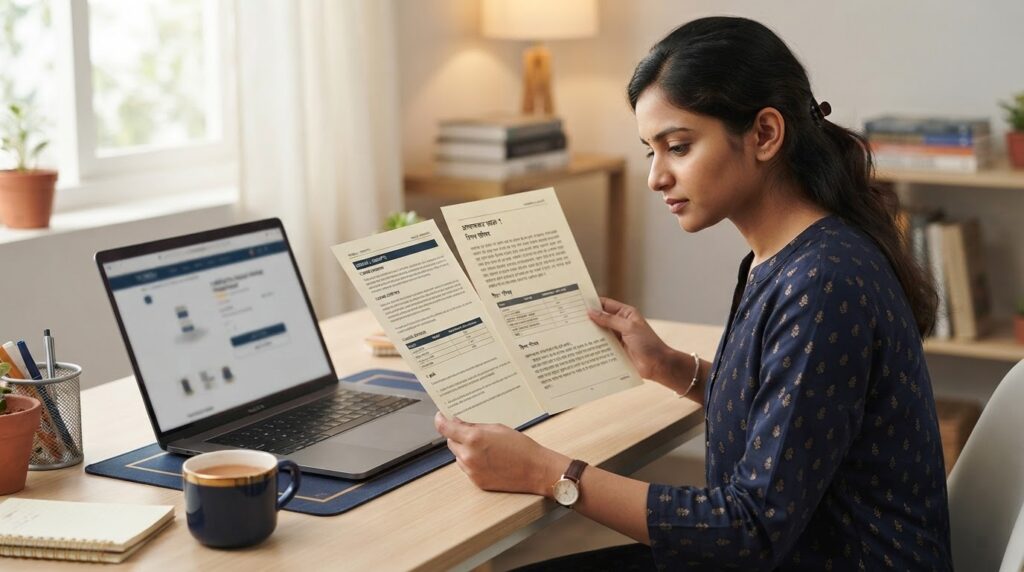
The BEM102 product page describes that particular assignment product as a digital PDF and lists Adobe Acrobat Reader, Google Drive Preview and standard PDF viewers on Android, iOS, Windows and macOS as compatible options. Check the individual product page for the format and compatibility details of the item you purchased; do not assume every product has identical specifications.
If the download link or file is missing
- Allow the policy’s stated delivery window to pass before treating the order as missing.
- Check the email address used during checkout and search your inbox for the store name or order confirmation.
- If 24 hours have passed and you still have no file, contact contact@ycmoumart.com as listed in the Shipping Policy.
- Include your order reference, product code and a brief description of the problem. Share a screenshot only if it helps explain the issue, and hide unrelated personal information.
- If the file opens but appears to be the wrong product, compare its course code with the product page and contact the store.
Refund and file-error information
The Refund Policy says a refund may be requested for a digital product if an incorrect file was supplied due to a company error. It asks customers to provide proof of the issue within 7 days of purchase. It also lists exclusions, including incorrect purchases made by the customer. Read the full policy and contact the store with the order details; do not assume every download issue automatically qualifies for a refund.
FAQs
Is there a separate account dashboard for downloads?
A separate account-dashboard download process was not confirmed in the published policy. The policy describes delivery by email or a downloadable link, so start with the email used for the order.
Can I open the PDF on my phone?
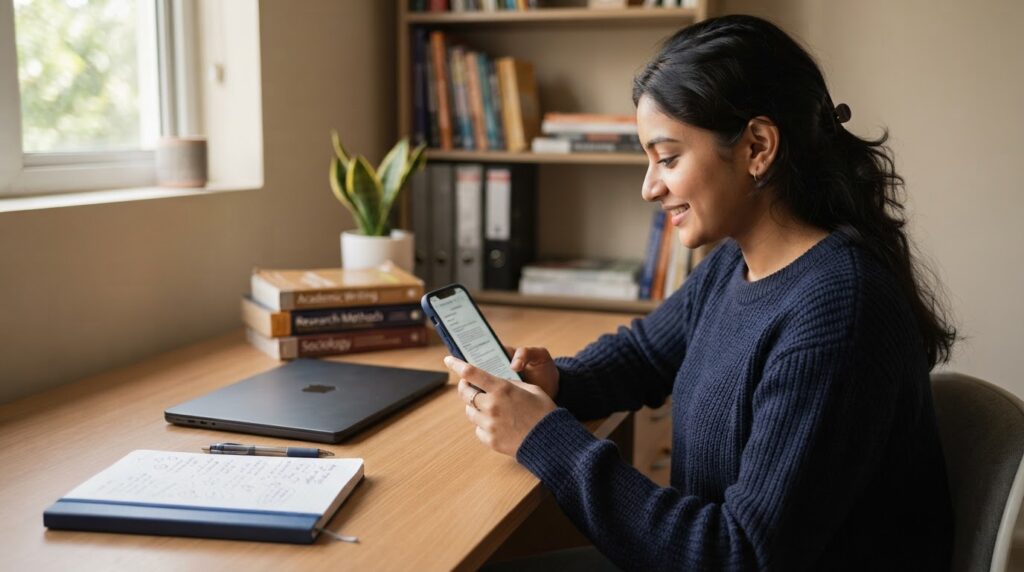
The BEM102 product page lists mobile compatibility for that product. Check your own product page for its format and compatibility notes.
What if I receive the wrong course code?
Do not use the file as if it were correct. Compare the code with your order and contact the store promptly with the order reference and evidence, following the Refund Policy.
Related student guides
BA assignment format and upload guide · BCA assignment marks and upload guide · MBA assignment guide.
Keep the purchased PDF as a study reference. Understand the answers and prepare your own final assignment according to the latest YCMOU instructions.





3 thoughts on “How to Download a Purchased YCMOU Solved Assignment PDF”