Wrong YCMOU Digital PDF? How to Report a File Mismatch


Wrong YCMOU Digital PDF? How to Report a File Mismatch
If a purchased YCMOU assignment PDF does not match the product you ordered, first identify whether the issue is an incorrect file supplied by the store or a course-code mismatch in the order. The next steps are different, so check the details before contacting support.
First, check the order and the file
- Open your order confirmation and note the product name and course code.
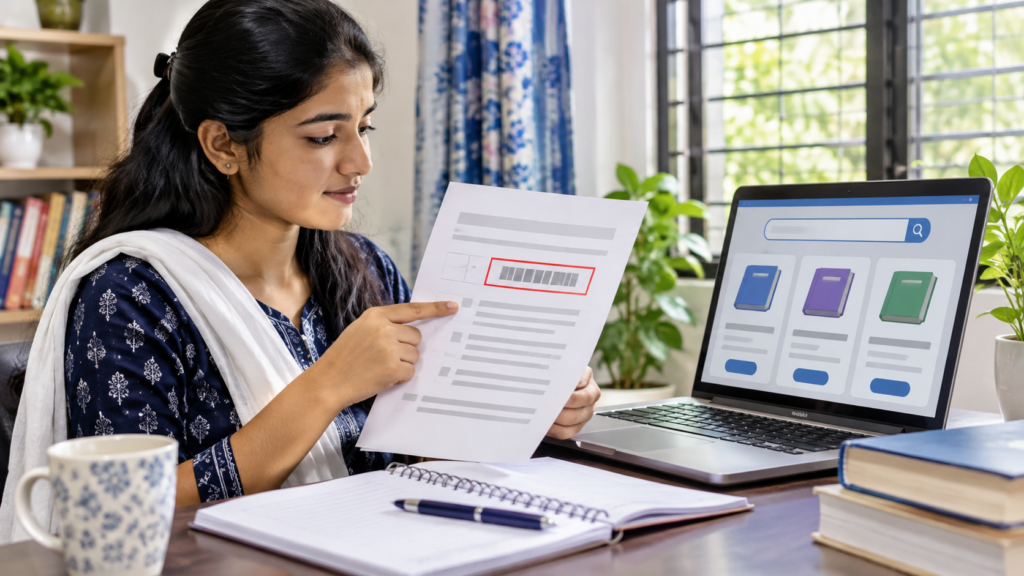
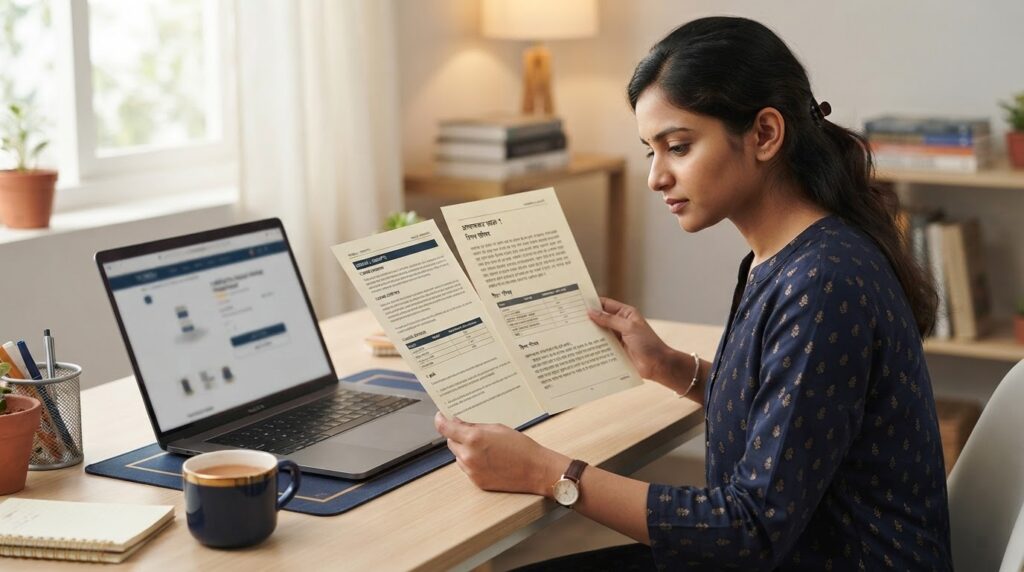
- Compare the course code in the file with the course code on the product page and your official assignment paper.
- Check whether the file is for the correct programme, semester or year, session and medium where those details are shown.
- Keep the original file and take a screenshot of the mismatch. Do not edit the file before reporting the issue.
- Keep your order number, purchase date and the email or message associated with the order.
What YCMOU MART’s refund policy says
The website’s refund policy says a refund may be available for a digital product if an incorrect file was provided because of a company error. It asks customers to provide proof of the issue within 7 days of purchase.
According to the policy, a request can be sent to contact@ycmoumart.com or through WhatsApp at +91 8168366364. Include the order details and a clear description of the issue. The policy says that, after verification, eligible refunds are processed within 7–10 business days to the original payment method.
Read the current YCMOU MART Refund Policy before sending a request. Refund eligibility depends on the policy and verification; a refund is not automatic for every mismatch.
Important exclusions
The published policy excludes incorrect purchases made by the customer, dissatisfaction with the content after receiving a confirmed order, and misuse or sharing of digital products. If you selected a different course code by mistake, explain that honestly when contacting the store; do not describe it as a file supplied incorrectly by the store.
Example product page: verify before ordering
The BEM102 product page identifies the course code and describes the product as a digital PDF. Use the page to check what you selected, but do not assume BEM102 is suitable for a different course.
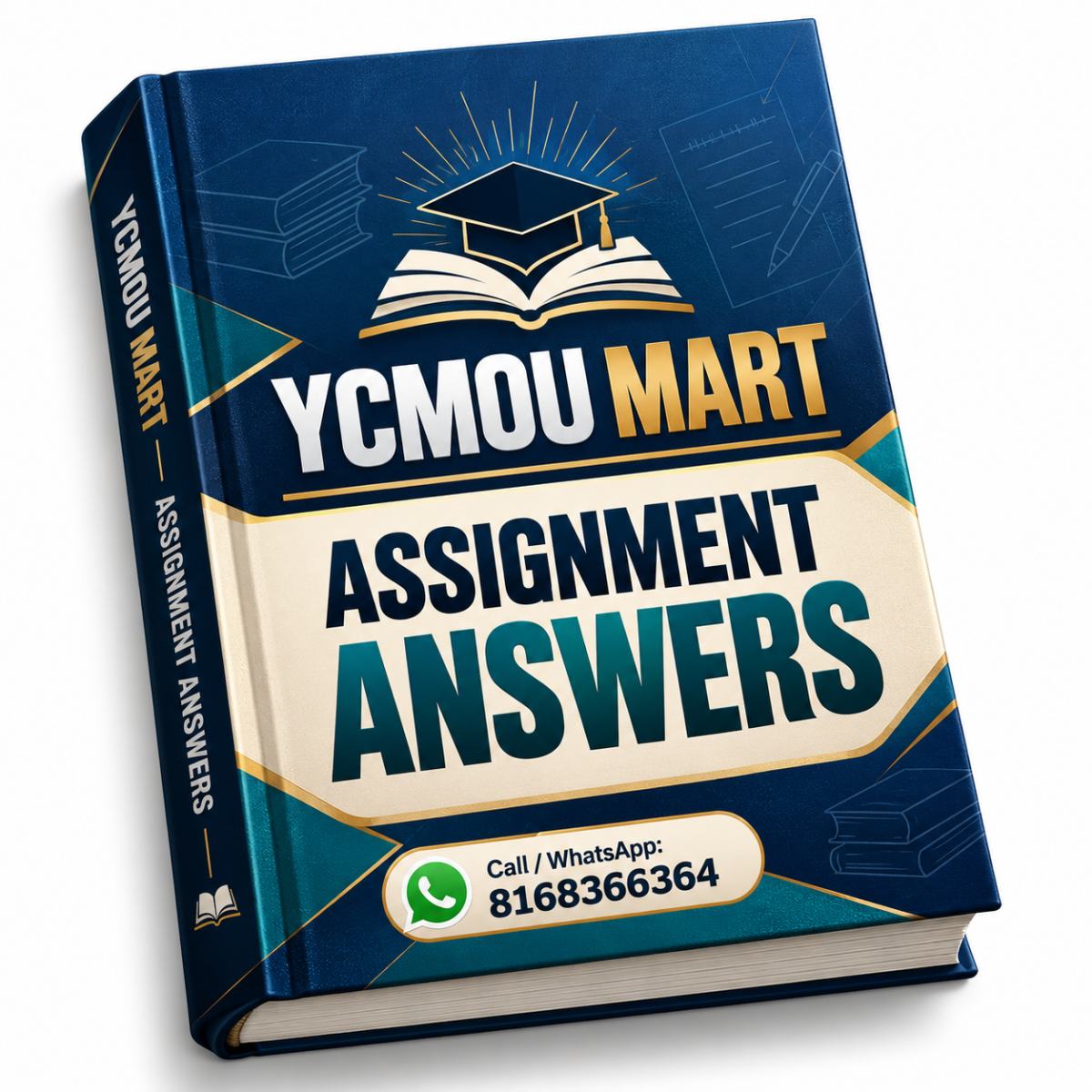
Check the product details: BEM102 YCMOU Assignment Answers.
If the issue is a missing download link
A missing link is different from receiving the wrong file. Check your email and the order information first, then follow the site’s purchased PDF access guide. The shipping policy says digital products are delivered electronically by email or a download link and may take up to 24 hours in rare cases. For current terms, read the Shipping Policy.
Frequently asked questions
How soon should I report an incorrect digital file?
The published refund policy asks for proof within 7 days of purchase.
What should I include in the request?
Include your order details, a description of the mismatch and clear proof such as a screenshot or email.
Does the policy refund a product bought for the wrong course code?
The policy excludes incorrect purchases made by the customer. Check the exact terms and contact the store if you need clarification.
Conclusion
Keep the order record, compare the course code and report a genuine file-supply error with evidence within the policy’s stated time limit. Read the current policy before relying on any refund expectation.
Related reading: Find the right YCMOU solved assignment by course code · How to buy from YCMOU MART.