How to Read a YCMOU Solved Assignment PDF on Your Phone

How to Read a YCMOU Solved Assignment PDF on Your Phone
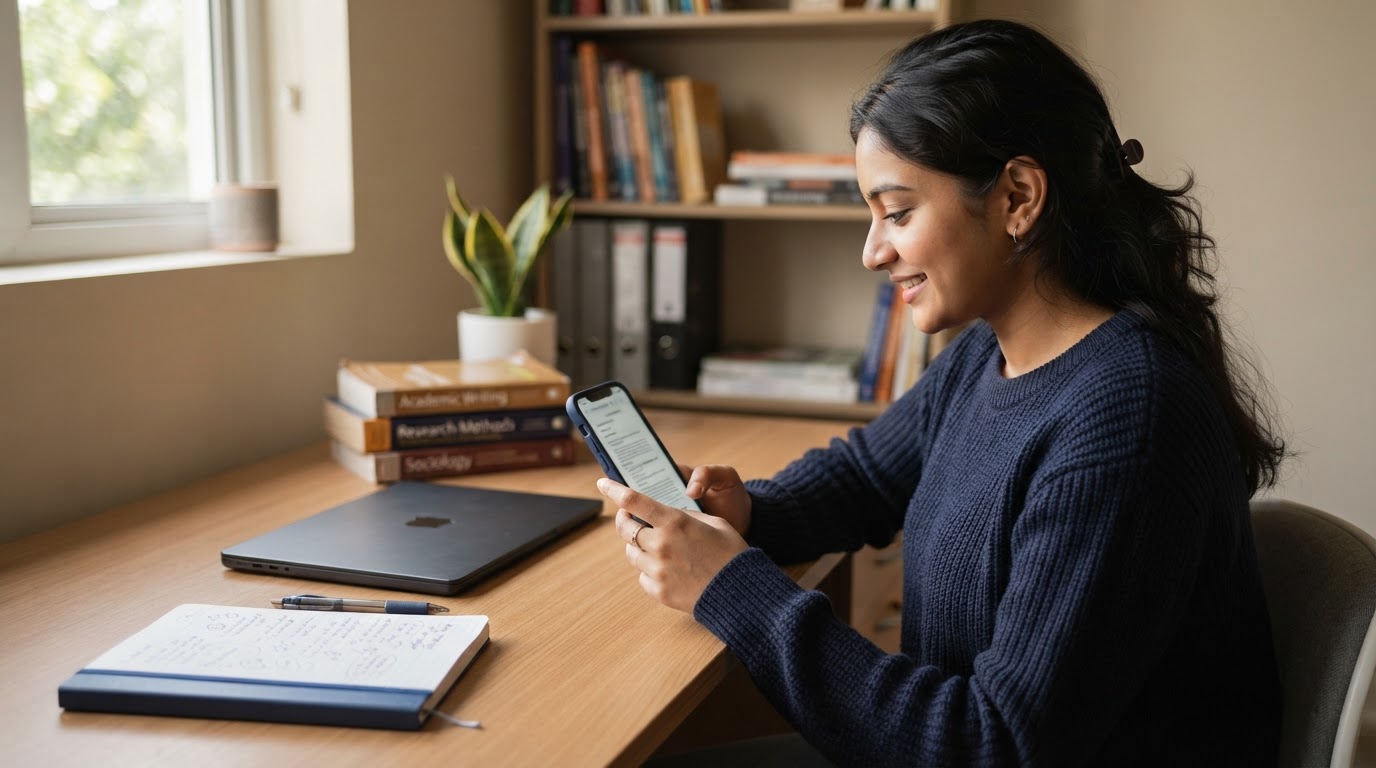
Many YCMOU students use a phone as their main study device. A course-wise solved assignment PDF can be easier to review on a mobile screen when you know how to open it, zoom into the text and keep the file organised. This guide covers general PDF-reading steps and uses the live BEM102 listing as an example. It does not replace the official assignment paper or university instructions.
1. Check the product page before opening the file
First confirm that the product is for the exact course code on your own assignment paper. The BEM102 YCMOU Assignment Answers page identifies BEM102 and describes the item as a digital PDF. Its compatibility details mention standard PDF viewers on Android and iOS, as well as desktop systems.
Do not assume that every YCMOU product has identical format, language or coverage. Read the specific product page before ordering.
View the exact course listing: BEM102 YCMOU Assignment Answers.
2. Open the PDF on Android or iPhone
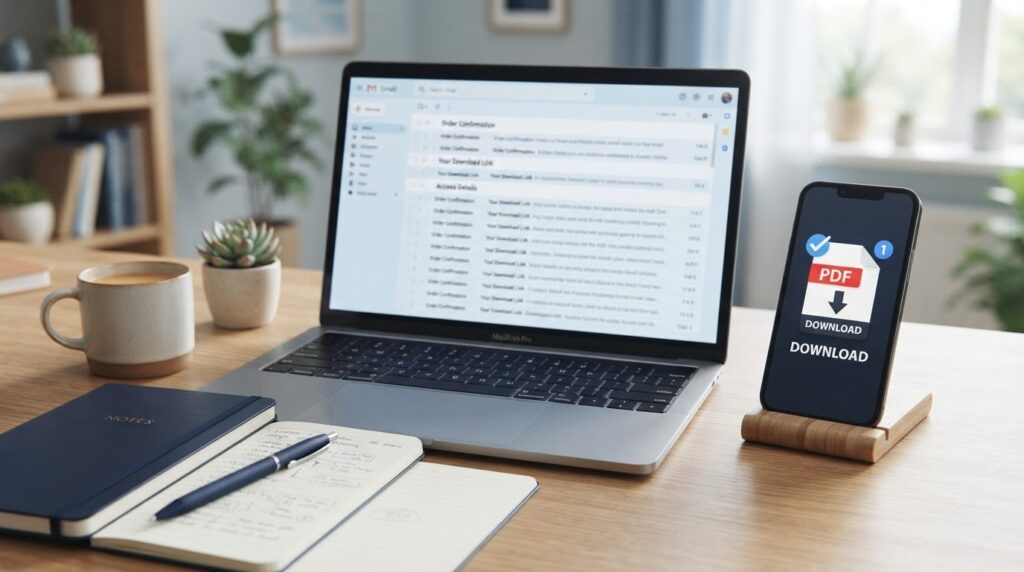
- Locate the file using the delivery route shown in your order information or the message that contains your download link.
- Tap the PDF file. If your phone asks which app to use, choose a trusted PDF reader already installed on your device.
- If the file opens in a browser preview, use the viewer’s download or save option if you need an offline copy.
- Wait for the file to finish saving before closing the app. Reopen it once to confirm that it is readable.
The BEM102 product page names Adobe Acrobat Reader, Google Drive Preview and standard PDF viewers as compatible options. Use a current version of a trusted viewer and avoid installing unknown apps from pop-up download pages.
3. Make a long PDF easier to read
- Zoom in: Use pinch-to-zoom to enlarge small text.
- Rotate the screen: Landscape view can make wide tables easier to inspect.
- Use page thumbnails: If your reader offers a page panel, use it to move between sections.
- Keep brightness comfortable: Adjust screen brightness for longer reading sessions.
- Take study notes separately: Record key ideas in your notebook instead of relying only on highlights inside the PDF.
4. Save and organise course-wise files
Create a folder for the academic session and separate subfolders for each programme or semester. Give files clear names that include the course code, such as BEM102-solved-reference.pdf. Keep the official question paper in a separate folder so that you can compare the questions with the reference material.
Keep a backup in a trusted cloud account or on another device if you need one. Do not share paid files publicly or upload them to unknown file-sharing sites.
5. What if the PDF will not open?
- Check that the file has finished downloading and is not a zero-byte or incomplete file.
- Try opening it in another trusted PDF reader.
- Check available phone storage and download the file again if the copy appears damaged.
- Confirm that you opened the correct course file rather than an older document with a similar name.
- If the supplied file itself appears incorrect, keep the original file and order record before contacting the store.
Can I print the PDF from my phone?
Some PDF viewers provide a Print option when a compatible printer or print service is available. Check the viewer and the specific product page before relying on printing. The BEM102 listing describes a digital PDF and device compatibility; it does not make a separate promise about printer settings or print services.
Frequently asked questions
Can I read a YCMOU solved assignment PDF without a laptop?
The BEM102 product page says its digital PDF is compatible with standard Android and iOS PDF viewers. Check the details on the exact product page you intend to order.
Should I submit the PDF as my assignment?
No. Use solved answers as a study reference. Understand the material and prepare your own response according to the current instructions issued by YCMOU.
Where can I find the official assignment questions?
Use the official YCMOU Home Assignment portal and select the programme and session that apply to you.
Conclusion
A phone can be a practical device for reviewing a course-wise PDF when the file is readable and correctly matched to your course. Check the course code, use a trusted viewer, organise your files and follow the official assignment instructions. For the purchase and access steps, see our guide to accessing a purchased YCMOU solved assignment PDF.