YCMOU Home Assignment Question Paper Not Showing? Official Filter Checklist


YCMOU Home Assignment Question Paper Not Showing? Official Filter Checklist
When a YCMOU home assignment question paper does not appear in the search results, it is easy to assume that the paper has not been uploaded. First check the filters on the official university page. A programme-level or semester mismatch can make a paper difficult to locate even when you are using the correct subject name.
This guide shows how to check the official filter page and what details to share with your Learner Support Centre if the paper is still missing.
Use the official YCMOU Home Assignment page
Open YCMOU Home Assignment. The page provides four filters:
- School
- Program Level
- Program
- Year/Sem
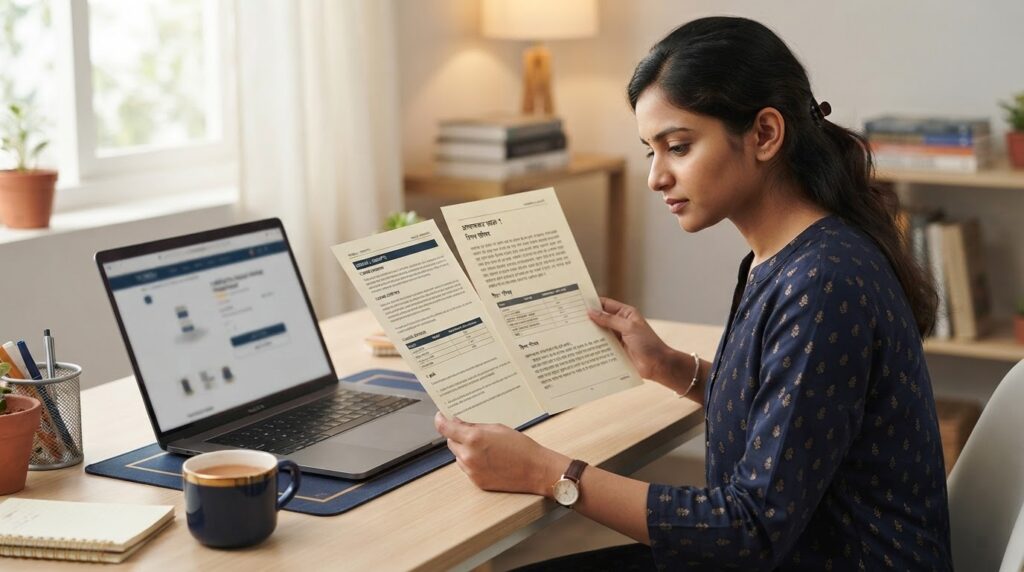
After selecting the filters, use Search and review the results table. The table contains programme information, titles and an action to open or download the listed item.
Step-by-step filter checklist
- Check the School. Use the school that applies to your registered programme. Do not choose a different school just because a similar subject name appears there.
- Choose the correct Program Level. Confirm whether your course is an undergraduate, postgraduate, diploma or certificate programme according to your admission record.
- Select the exact Program. Similar programme names or codes may refer to different courses. Compare the selection with your student profile.
- Select the correct Year/Sem. A first-year paper may not appear when a later semester is selected. Confirm the current year and semester before searching.
- Search again and review the title. Check the programme code and subject/course code shown in the result before downloading.
If the paper still does not appear
- Clear the selections and repeat the filter sequence carefully.
- Check the programme code and semester in your admission or student record.
- Confirm that you are looking at the correct academic year/session.
- Check the current programme prospectus and recent university notices.
- Ask your Learner Support Centre to confirm the correct school, programme and subject code.
When you contact the LSC, provide your programme name and code, year/semester, subject name and exact course code. A clear screenshot of the selected filters and the empty result can help explain the issue. Do not send passwords or OTPs in a public group.
Question paper and solved answers are different resources
The official YCMOU Home Assignment page is where students locate university question papers. A course-wise solved-answer product on YCMOU MART is a separate study reference. It does not add a missing paper to the university portal and is not a substitute for the official questions.
For a broader explanation, read our guide to free official YCMOU assignment PDFs and study material, course-code selection guide and ASM portal guide.
Optional course-specific study reference
If COM603 is the exact code on your own official paper, the following YCMOU MART listing is a separate solved-assignment reference for that course. If your paper has a different code, do not order this item; search the exact code printed on your official question paper.
View COM603 YCMOU Assignment Answers
Frequently asked questions
Does an empty search result mean there is no assignment?
Not necessarily. Recheck the School, Program Level, Program and Year/Sem filters and confirm the course with your LSC.
Can I download an assignment paper from YCMOU MART instead?
Use YCMOU’s official page for the university question paper. YCMOU MART products are separate study references and should not be treated as official question papers.
What should I tell my study centre?
Share your programme code, year/semester, exact subject code and the filter selections you tried. Do not share passwords or OTPs.
Can I use a similar course code if mine is missing?
No. A similar-looking code can belong to another subject or programme. Wait for confirmation from the official university route or your LSC.
Conclusion
If a YCMOU home assignment question paper is not showing, check the four official filters carefully, confirm the course code from your own record and ask your LSC if the result remains empty. Keep the official question paper separate from any optional solved-answer study reference.